All portrait styles
Pick the page that matches the picture you have in mind. The first group covers pictures of you and your pet together, from two separate photos. The other groups cover the ten art styles for a pet alone. Every page opens the same studio with one scene or one style already selected. However, each page shows its result on our test photos and explains its limits. So start with the closest match. Then try the free daily previews, because you should see your own result before you pay for anything. In addition, every page lists when that scene or style is the wrong choice.
By The Easelpaw team (Product and testing). Last updated .
You and your pet
Start here when you want a picture of you and your pet together, because these pages explain the two-photo scenes.
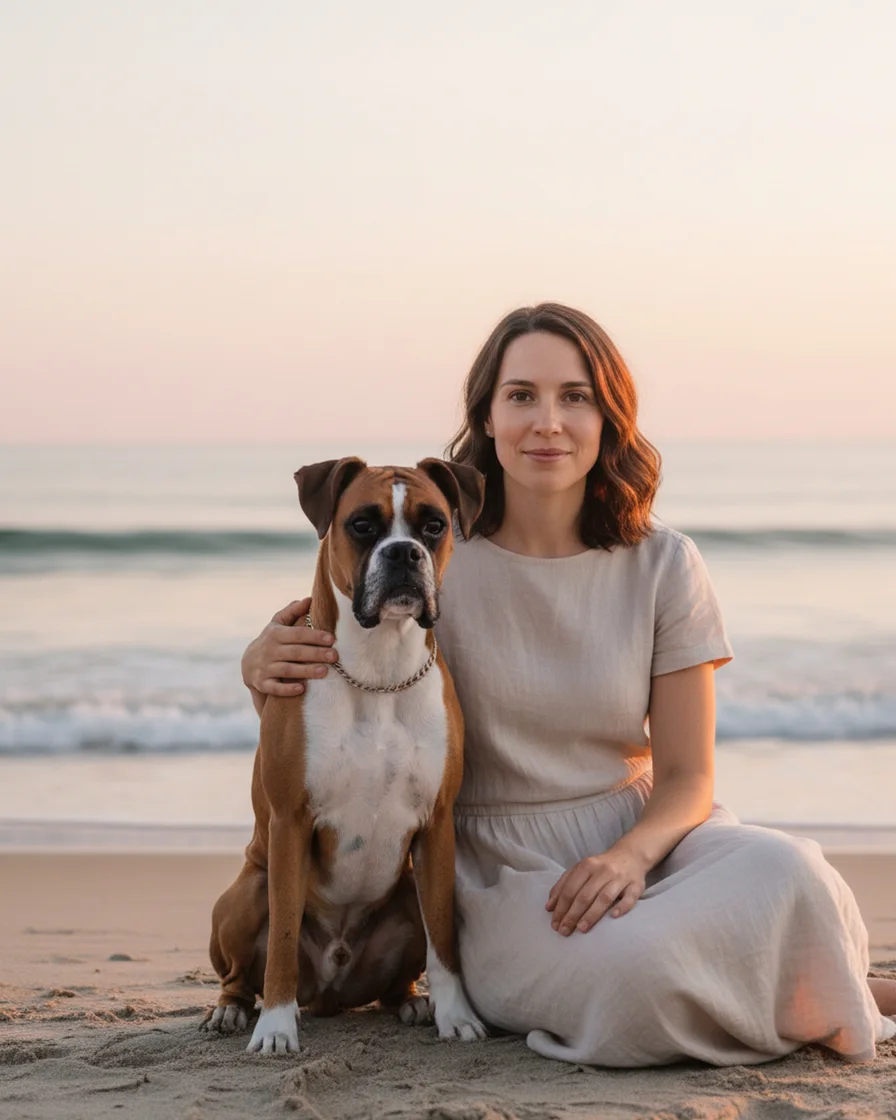
Pet and owner portrait from two photos
Make a pet and owner portrait from two separate photos, one of you and one of your pet. Pick one of twelve scenes and check a free preview first.
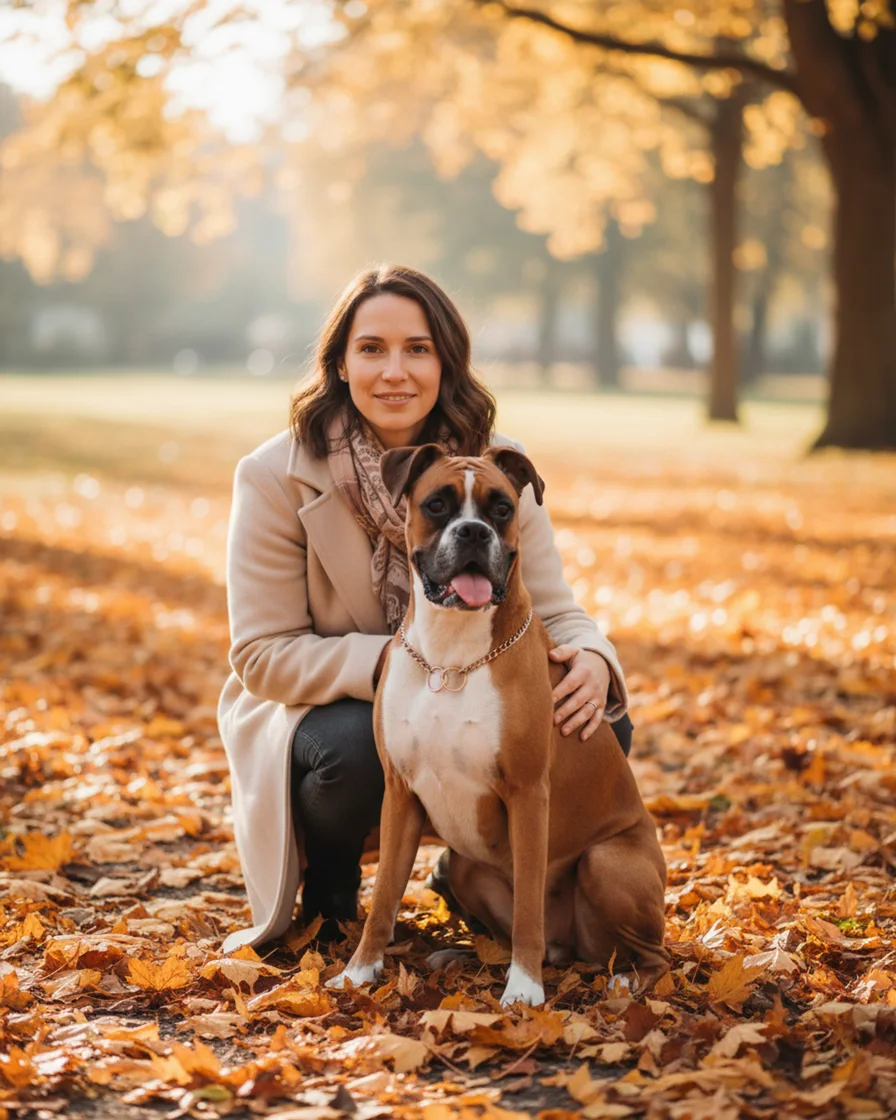
Portrait with dog: you and your dog together
Make a portrait with dog and owner together from two separate photos. Pick a scene like Autumn walk, check the free preview, then get the HD file.
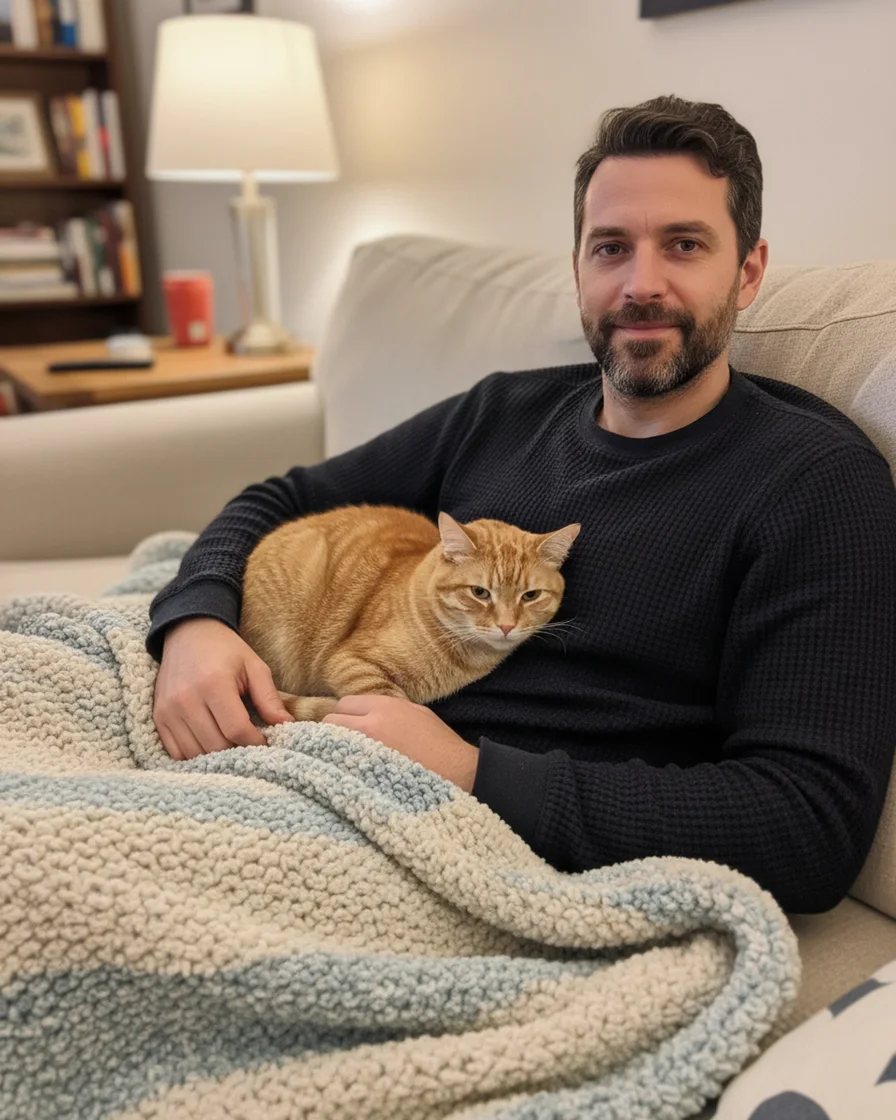
Portrait with cat: you and your cat together
Make a portrait with cat and owner together from two separate photos, so the cat never has to pose. Pick a cozy scene and check the free preview.
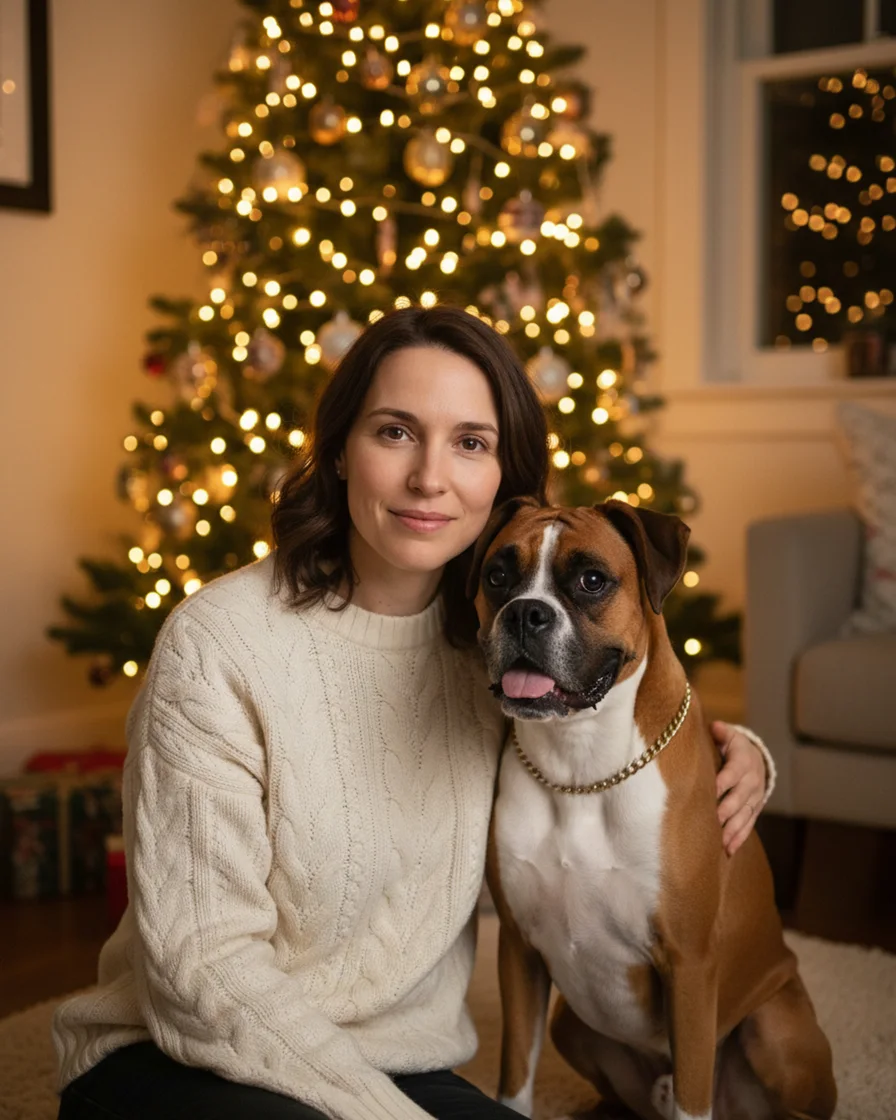
Christmas card with pet and owner together
Make a Christmas card with pet and owner together from two separate photos. You get a 2048 x 2560 px picture for the card front and print it yourself.
Portrait styles
Start here when you already know the look you want, because each page shows one style on the same test photo.
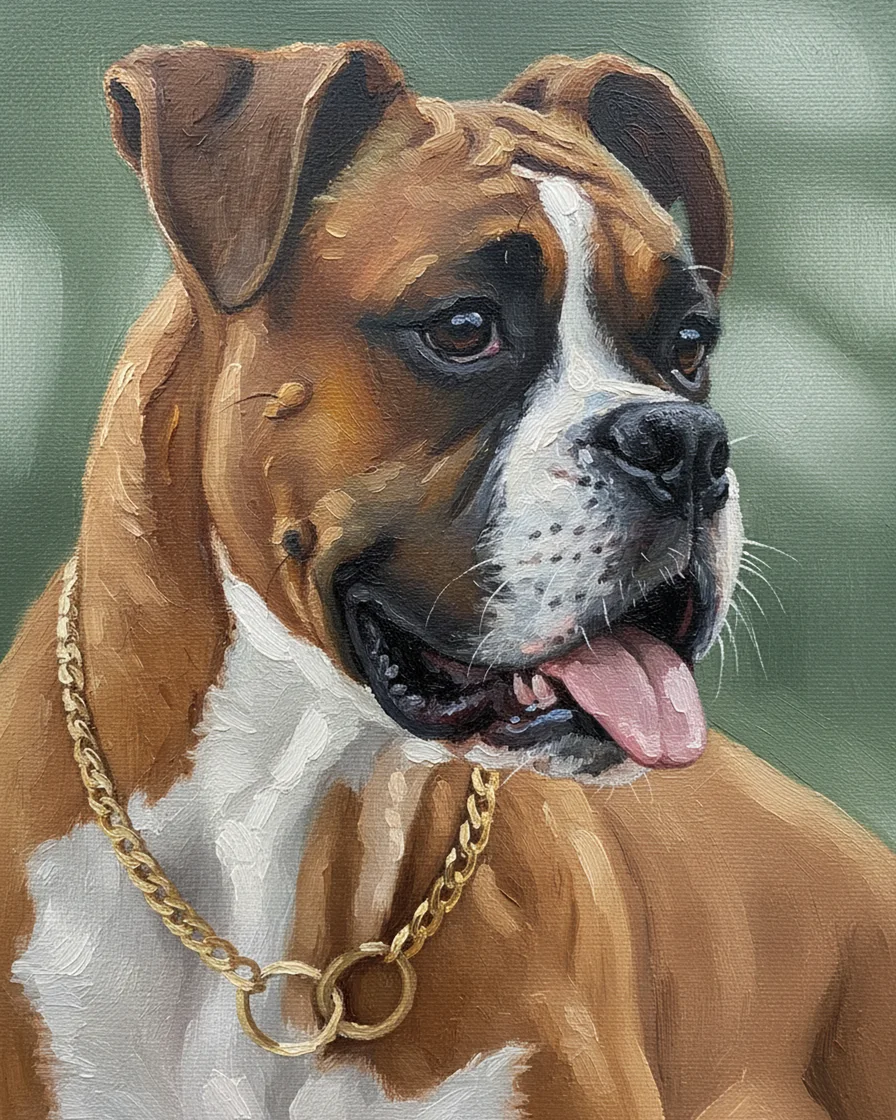
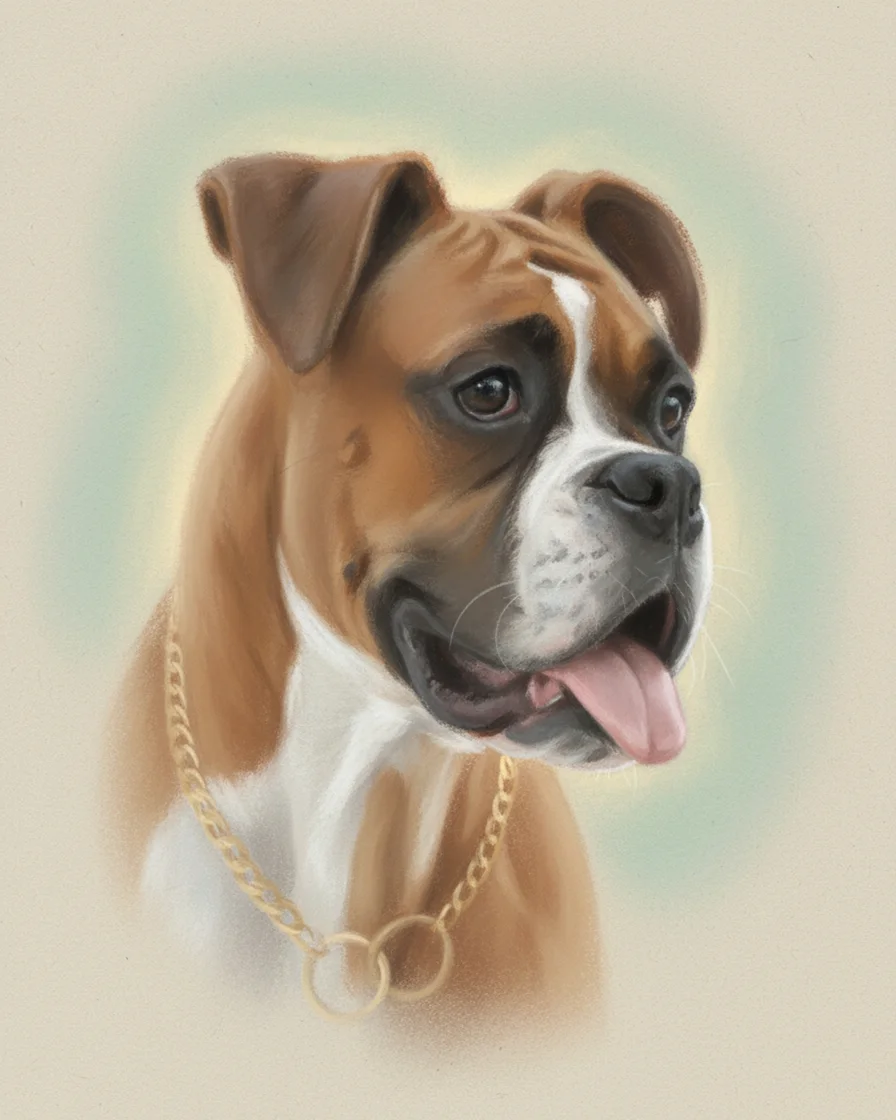
Pet portrait painting from your photo
Turn one photo into a pet portrait painting in oil style. Two free previews a day, no account. One credit returns the clean file for an 8 x 10 print.
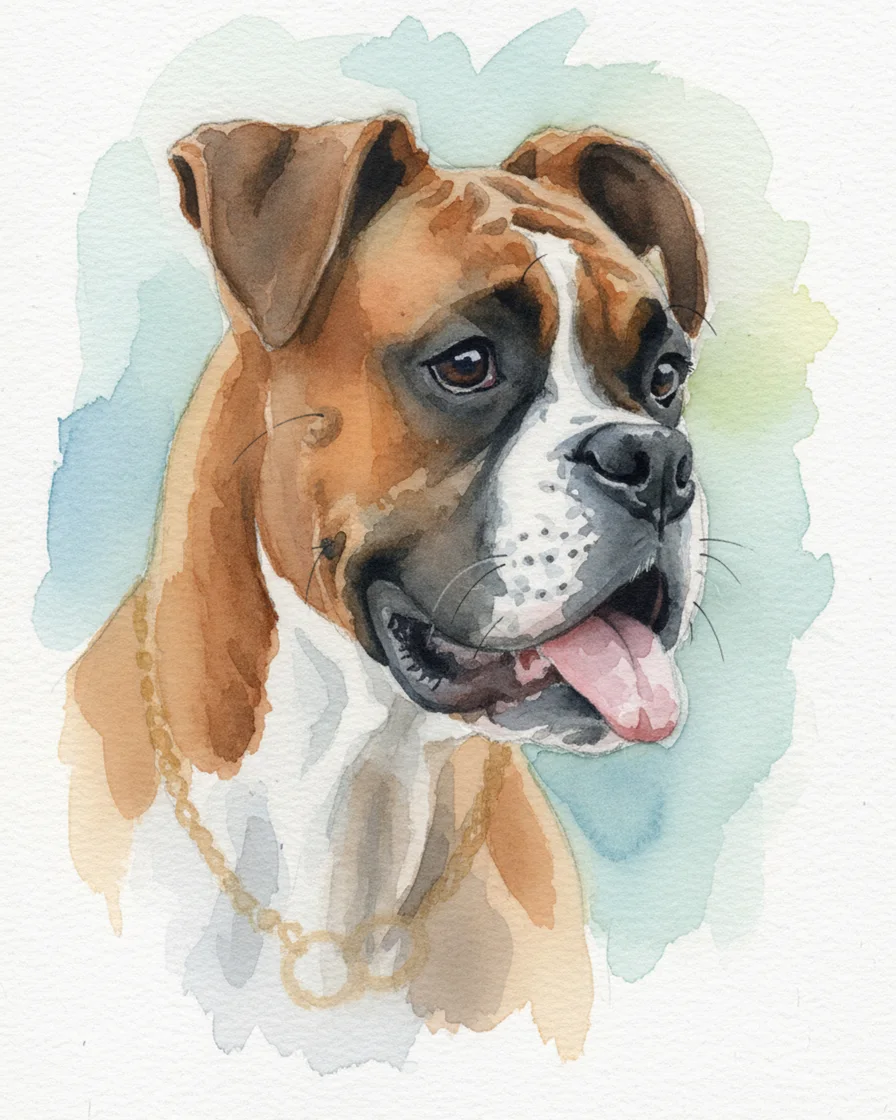
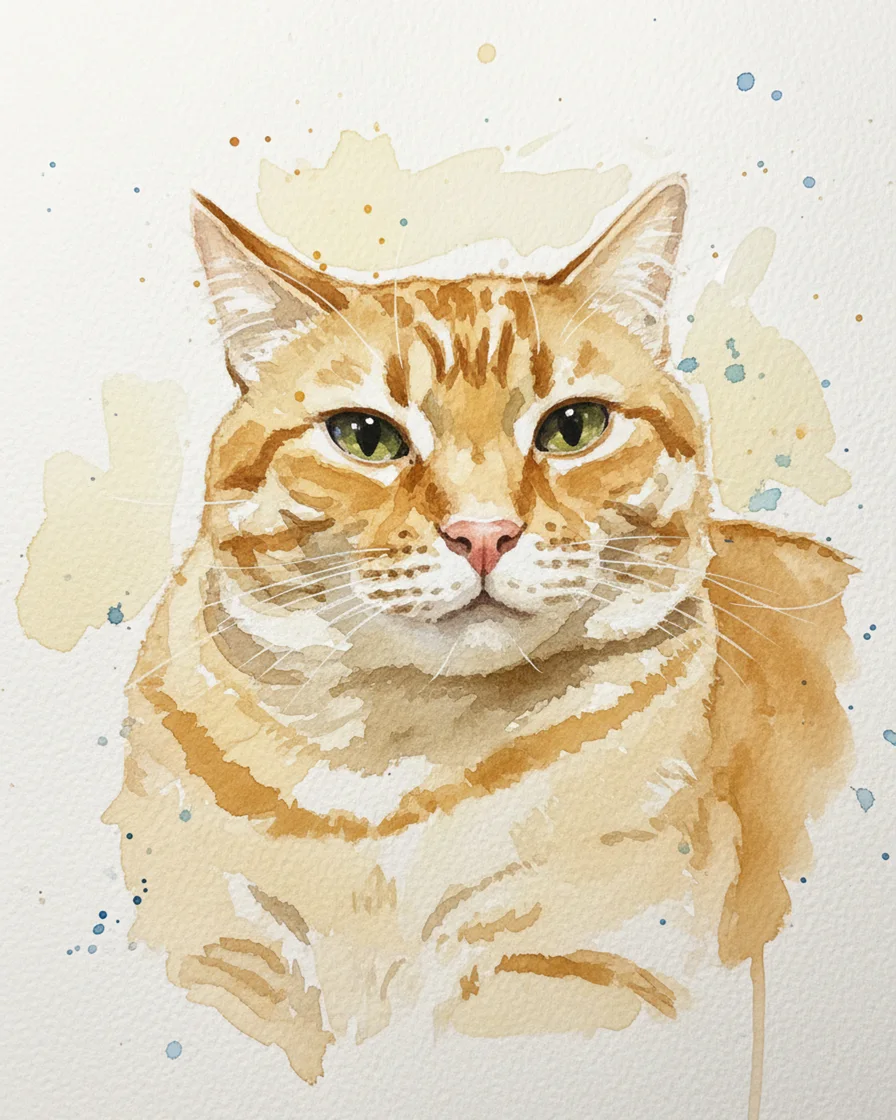
Watercolor pet portrait from a photo
Turn a photo into a watercolor pet portrait with soft washes on white paper. Two free previews a day, no account. One credit returns the clean HD file.
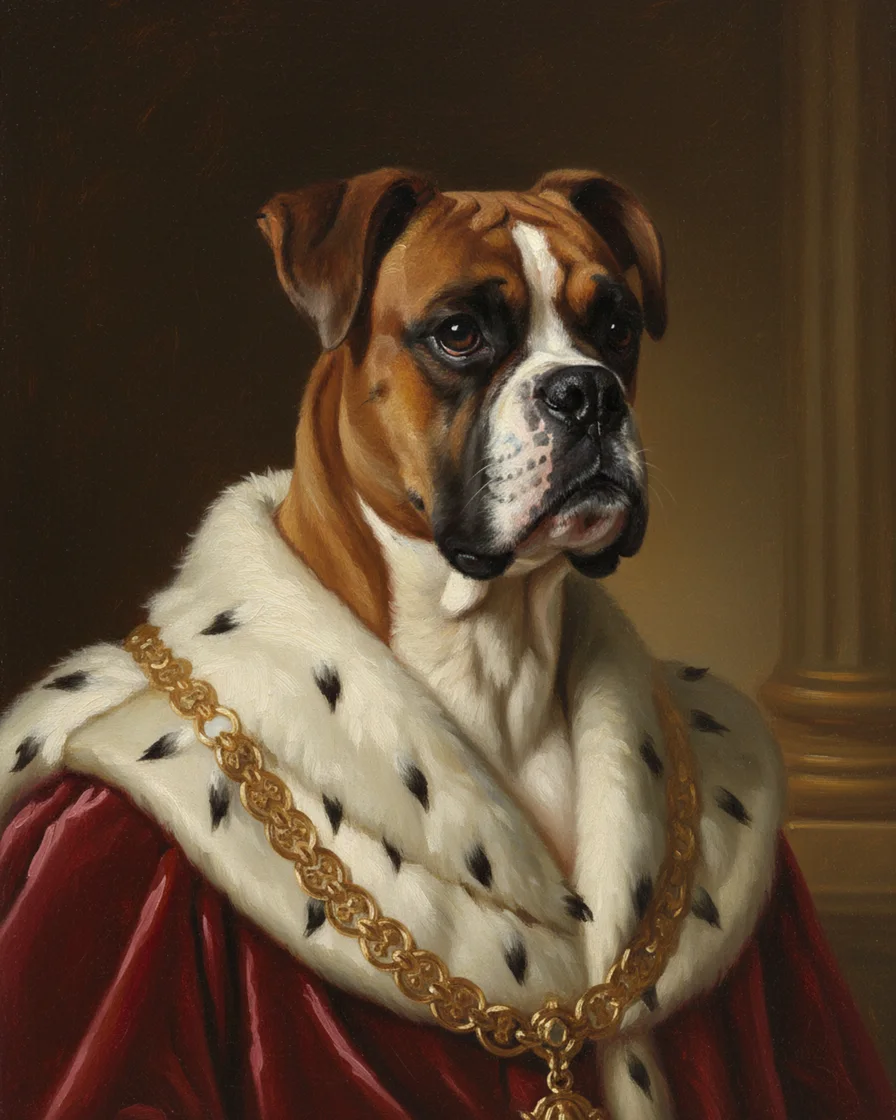
Royal pet portrait from a photo
Turn a photo into a royal pet portrait with a velvet robe, an ermine collar and a gold chain. Two free previews a day, and one credit for the HD file.
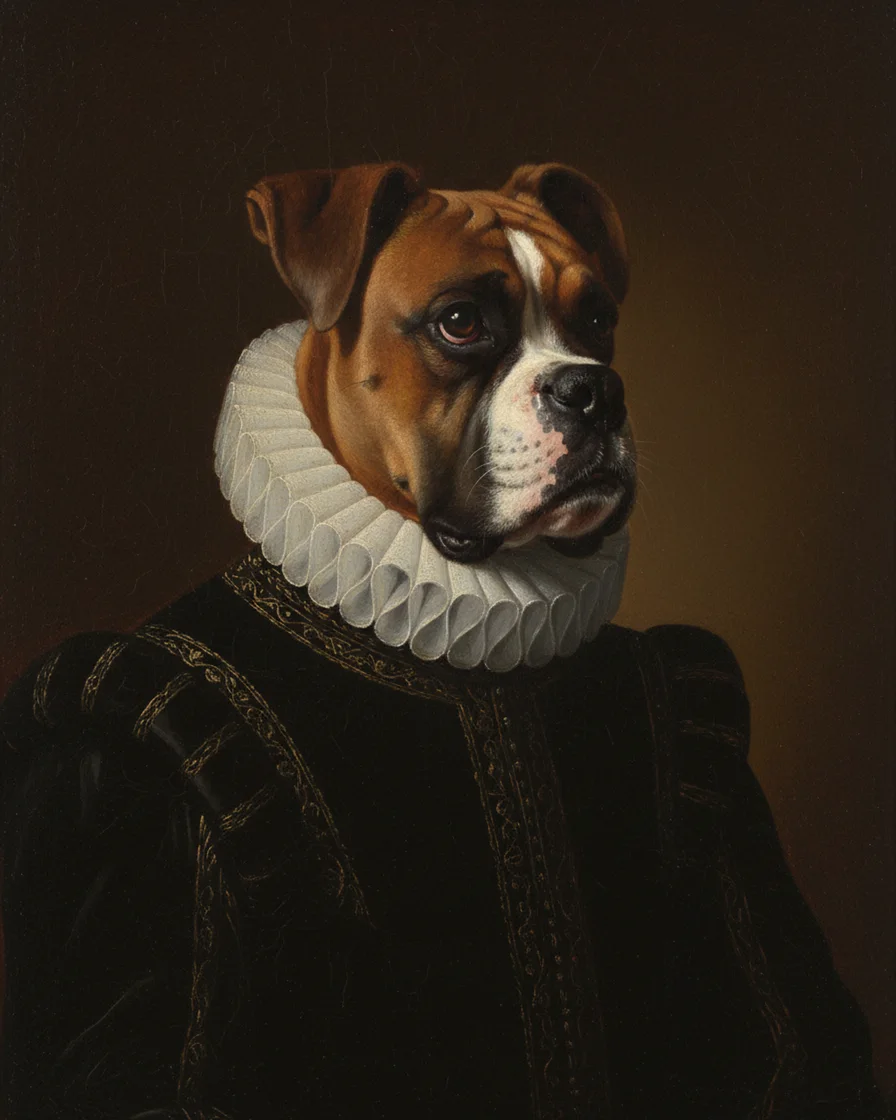
Renaissance pet portrait
Make a renaissance pet portrait from one photo: black doublet, white ruff collar and old master light. Try two free previews a day, no account.
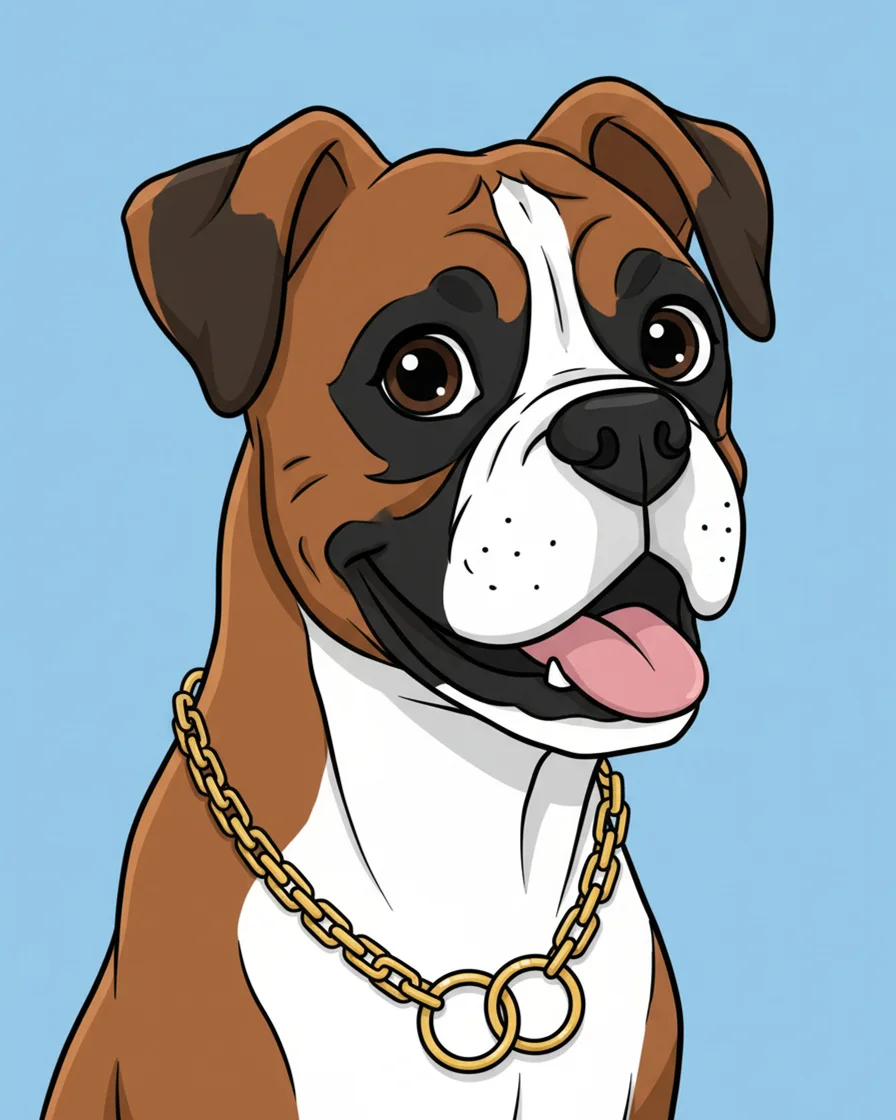
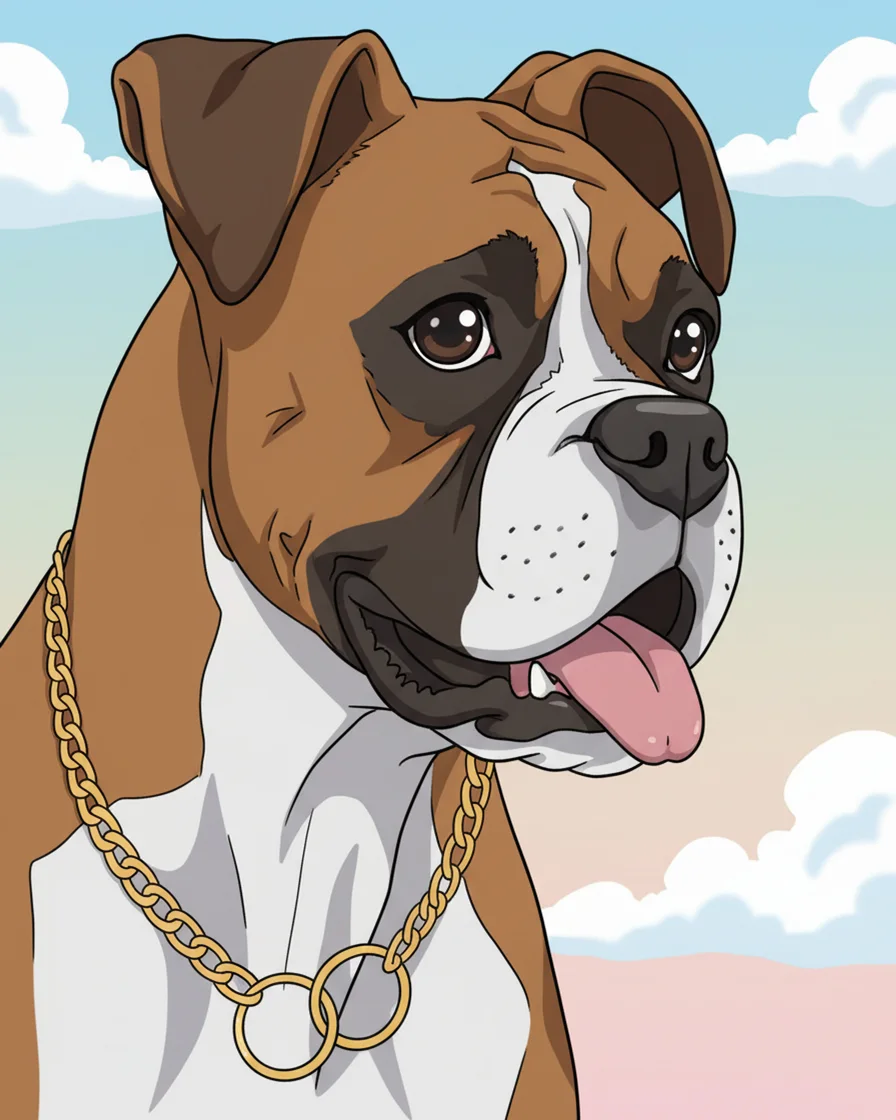
Cartoon pet portrait
Make a cartoon pet portrait from one photo: bold outlines, flat bright color and a sky blue background. Two free previews a day, no account needed.
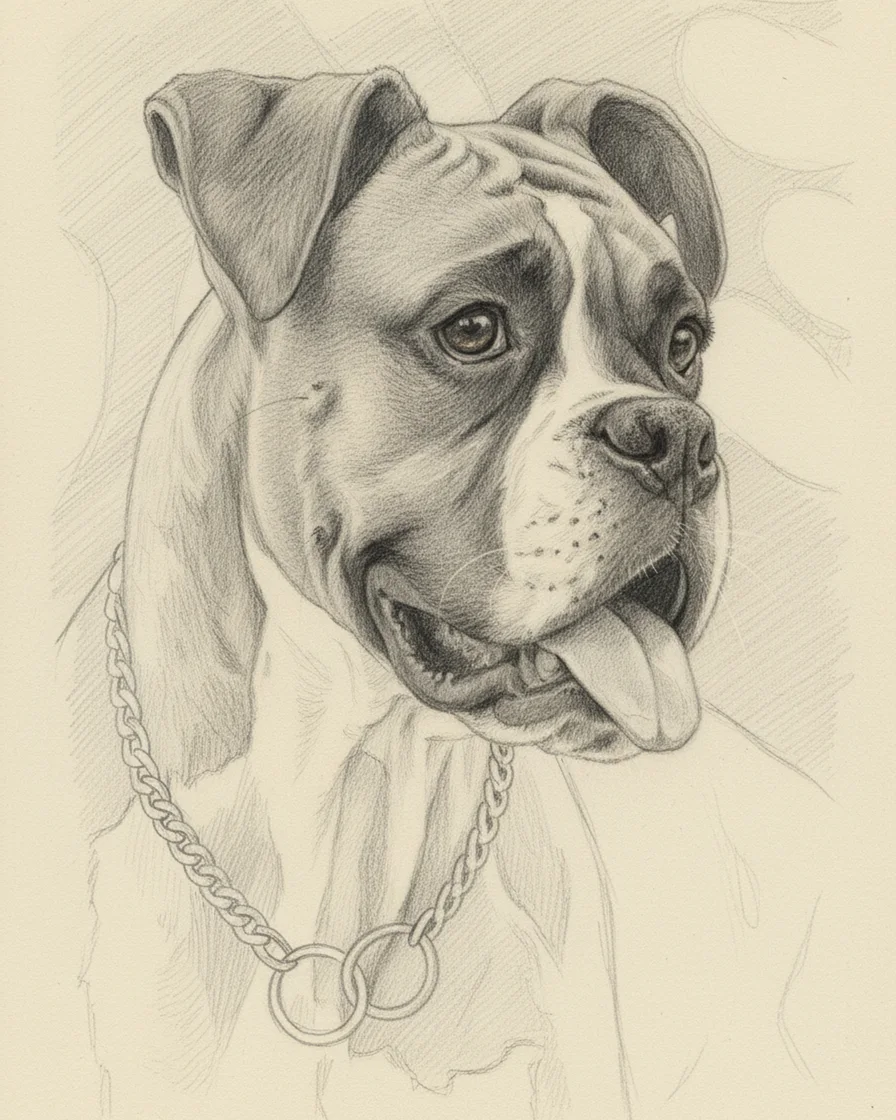
Pencil sketch pet portrait
Make a pencil sketch pet portrait from one photo: graphite hatching on cream paper, no color. Two free previews a day, then HD files for print.
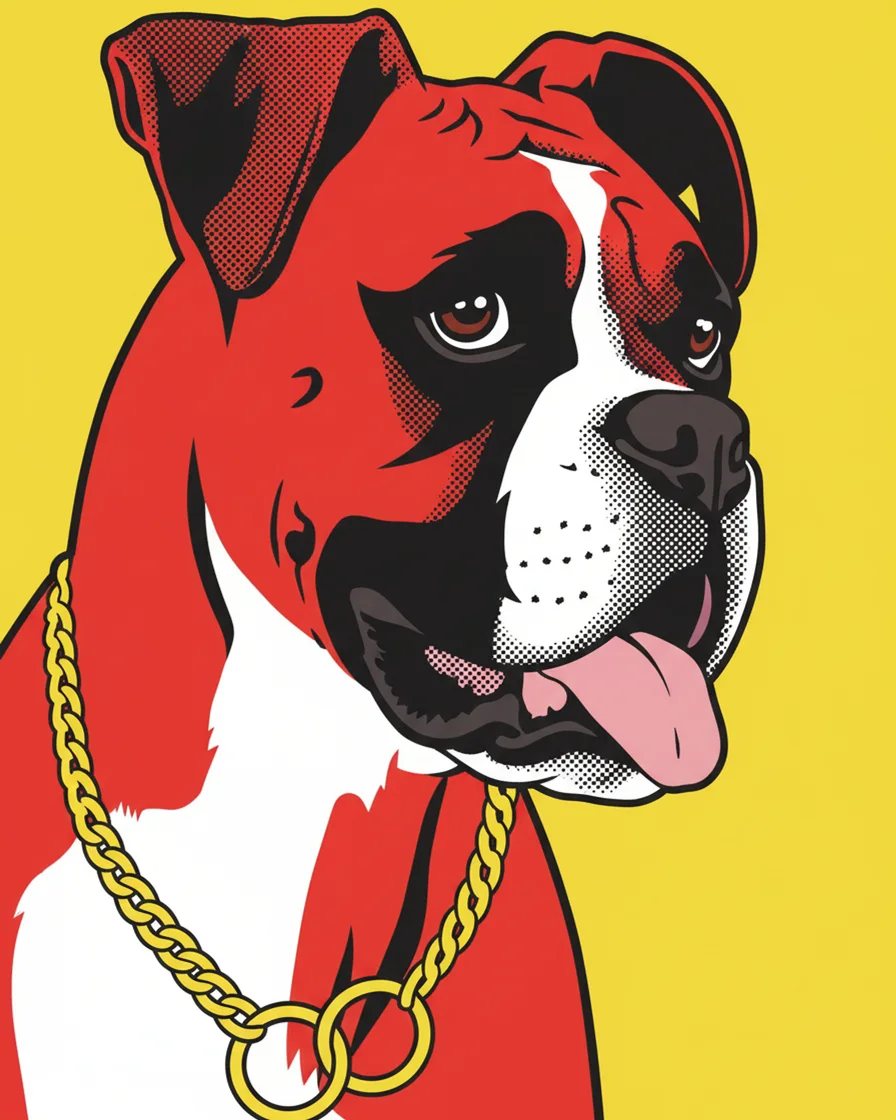
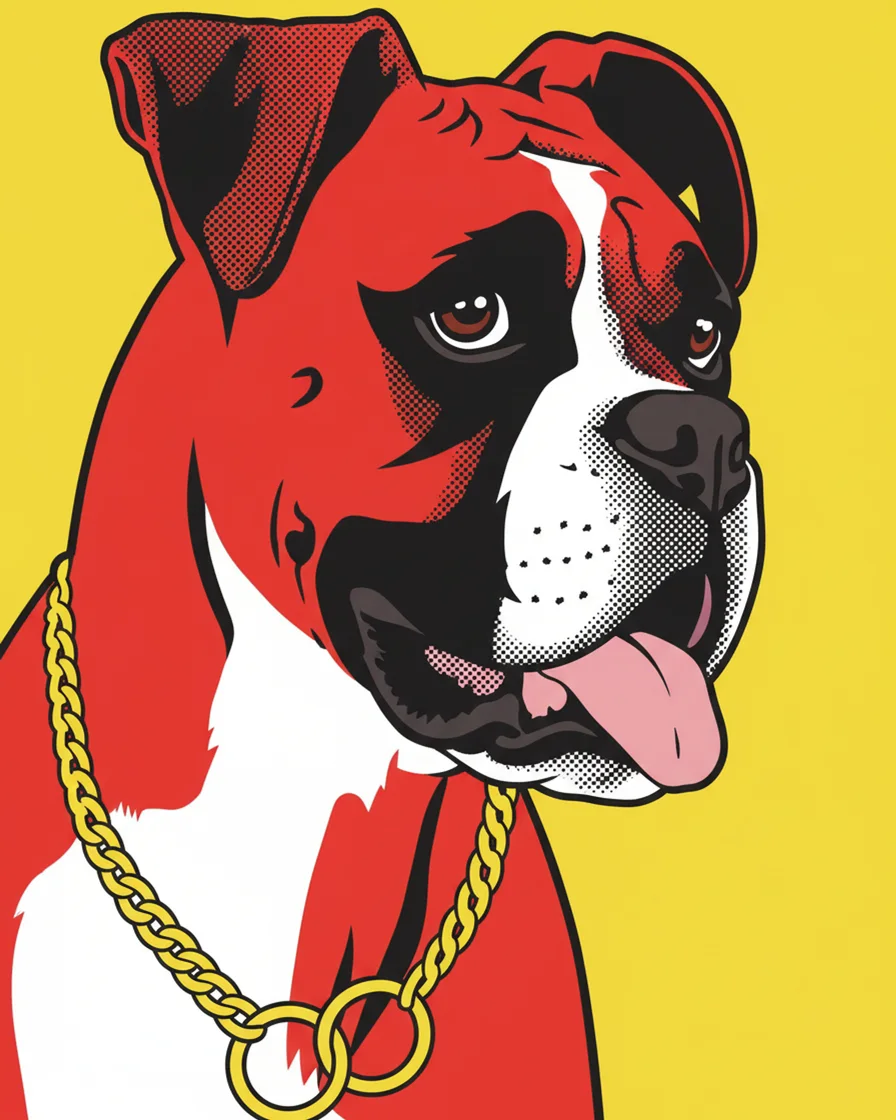
Pop art pet portrait
Make a pop art pet portrait from one photo: four loud flat colors, halftone dots and a bright yellow background. Two free previews a day, no card.
Ways to use it
These pages explain what the generator does with a photo, what is free and when a custom order still makes sense.
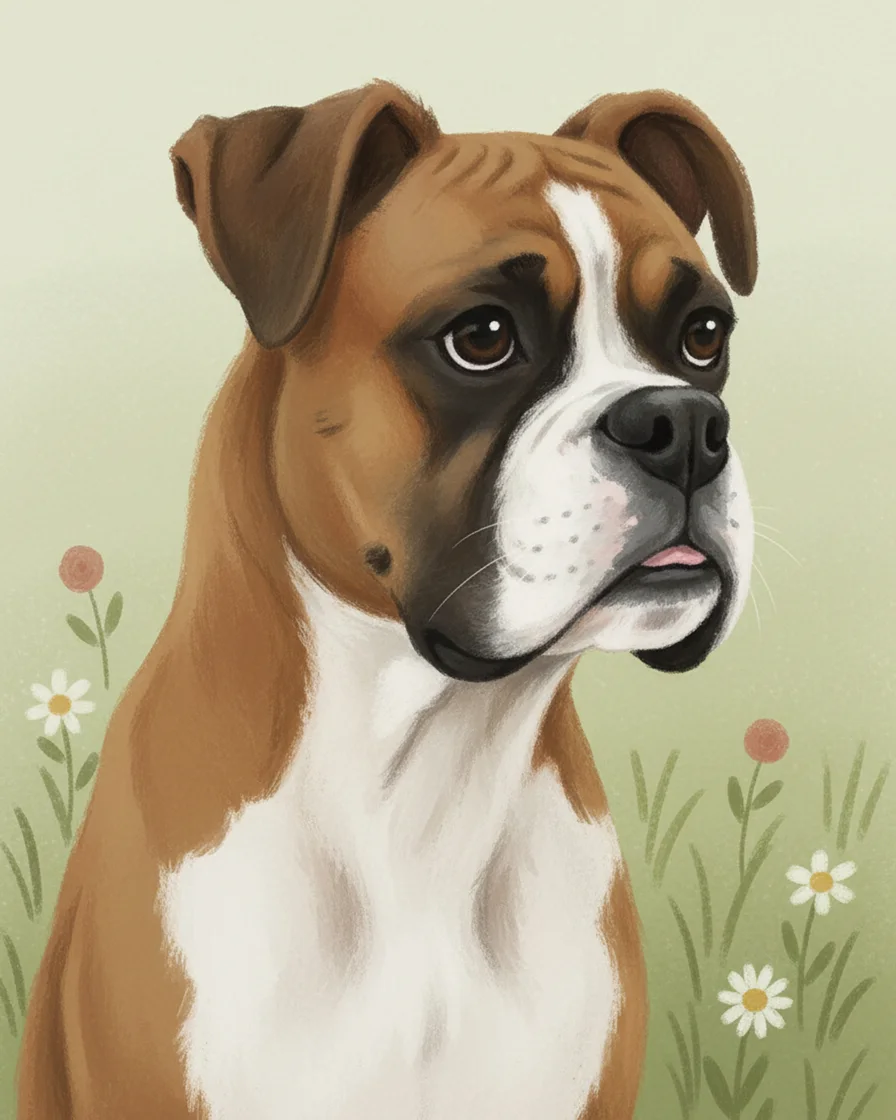
Custom pet portrait from your own photo
Make a custom pet portrait from one photo in ten styles. Try two free previews a day, then pay one credit for the HD file. See when an artist fits better.
AI pet portrait from one photo
Make an AI pet portrait from one photo in ten styles. See how the image model keeps your pet's markings, what is free and what the HD file costs.
Personalized pet portrait for a gift or memorial
Make a personalized pet portrait from one photo as a gift or a memorial. Try two free previews a day, then pay one credit for the print-ready HD file.
Pet portrait generator: free previews every day
Try a pet portrait generator free: two AI previews a day with no account or card. See what the watermark is and what the clean HD file costs.
Pet portrait from photo
Make a pet portrait from a photo in ten styles. See which light, angle and distance give the best likeness, then try two free previews a day.
By pet
Dogs and cats need different photos, so these two pages cover the tips for each.
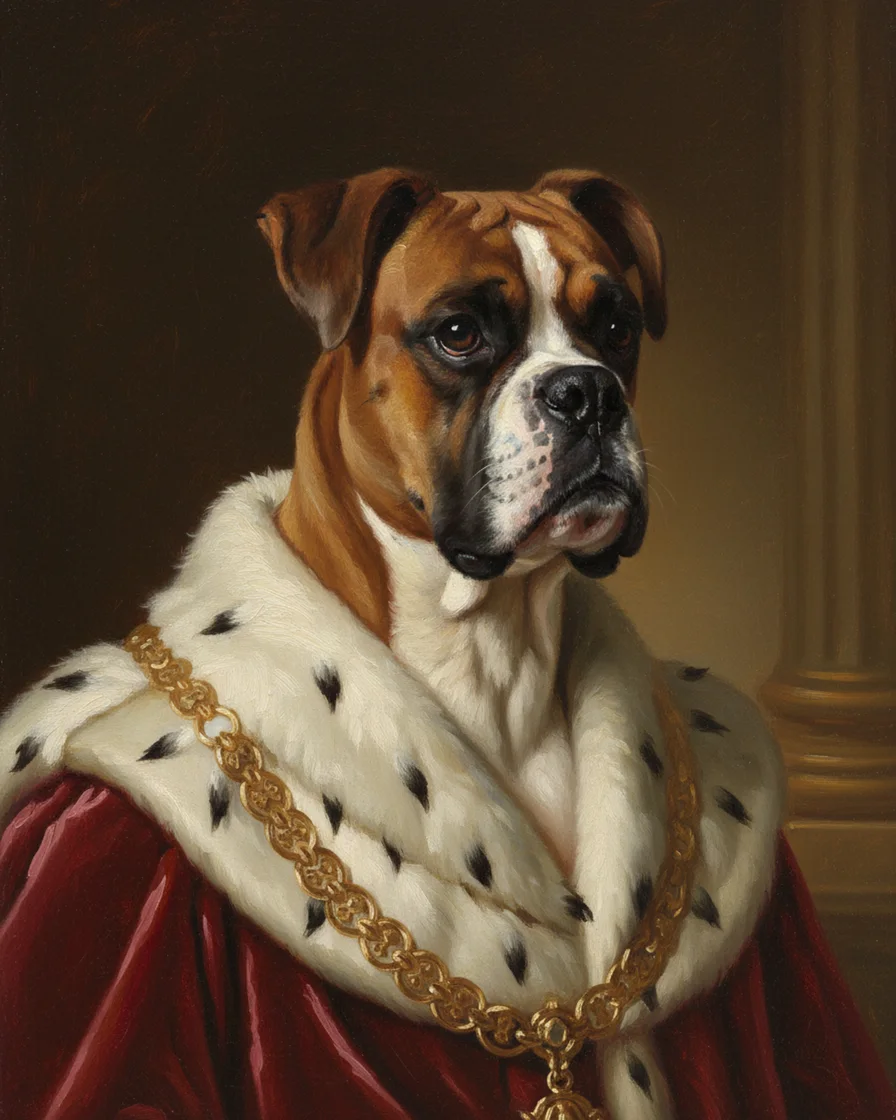
Dog portrait generator
A dog portrait generator that paints your dog in ten styles from one photo. Tips for black coats, long snouts and floppy ears, plus free previews.
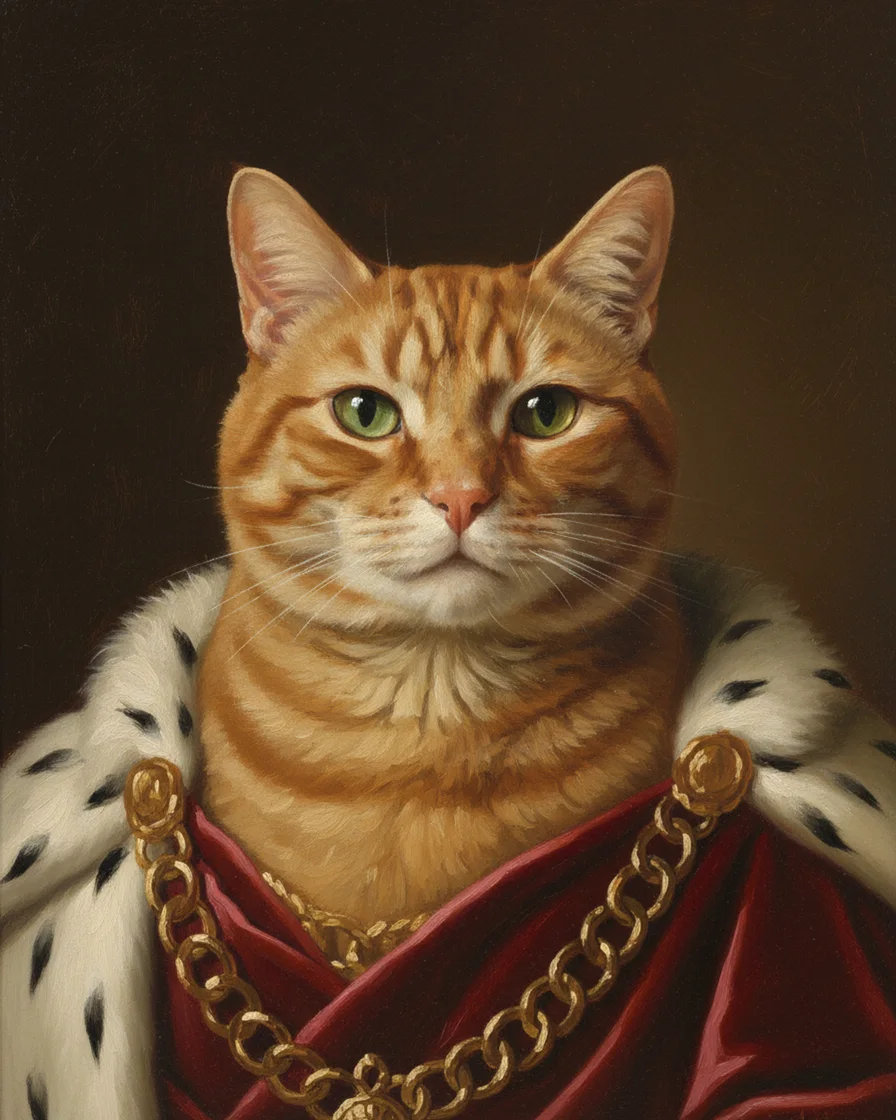
Cat portrait generator
A cat portrait generator that paints your cat in ten styles from one photo. Tips for eye color, whiskers and tabby stripes, plus free previews.