Adobe Firefly pet portrait alternative: Firefly vs Easelpaw
An Adobe Firefly pet portrait alternative makes sense when you want a painted portrait without writing a prompt. Firefly is a full image generator with prompts, reference photos and style controls. Easelpaw instead offers ten fixed styles and a file sized for an 8 x 10 inch print. So choose by how much control you want.
By The Easelpaw team (Product and testing). Last updated .
Adobe Firefly pet portrait alternative: side by side
We read each public page on October 10, 2026. So where a page does not state a fact, the table says so.
| Adobe Firefly | Easelpaw | |
|---|---|---|
| Free tier | Free daily generations; the number is not stated on their page | Two free previews a day |
| Account for the free tier | Yes, a free Adobe account | No |
| Paid price | Standard, Pro, Pro Plus and Premium plans; the prices did not load in the page text we read | $9.99 once for 10 HD portraits, or plans from $9.99 a month |
| What you enter | A prompt, a reference photo, or both | One photo; no prompt |
| How you choose the look | Composition, visual intensity, effects, color and tone, lighting and camera angle | One of ten fixed styles |
| Styles named on the page | Cartoon, anime, watercolor, sketch, fantasy, realism and more | Royal, Renaissance, Watercolor, Oil painting, Cartoon, Pop art, Pencil sketch, Storybook, Anime, Soft pastel |
| Which pets | Any animal, and several pets in one frame | Tested on a dog and a cat; one pet per photo works best |
| Model | Adobe Firefly models, or a partner model such as Gemini 3.1 | Google Gemini 2.5 Flash Image |
| Output size | High resolution download; pixel size not stated on their page | Free preview 1024 x 1280 px; paid file 2048 x 2560 px JPG |
| Watermark | Not stated on their page | On free previews; none on paid files |
| Editing after | Opens in Photoshop or Illustrator | None; you download the file |
| Commercial use | Firefly model output is designed to be commercially safe, per their page | Not something we make a promise about |
What Adobe Firefly does well
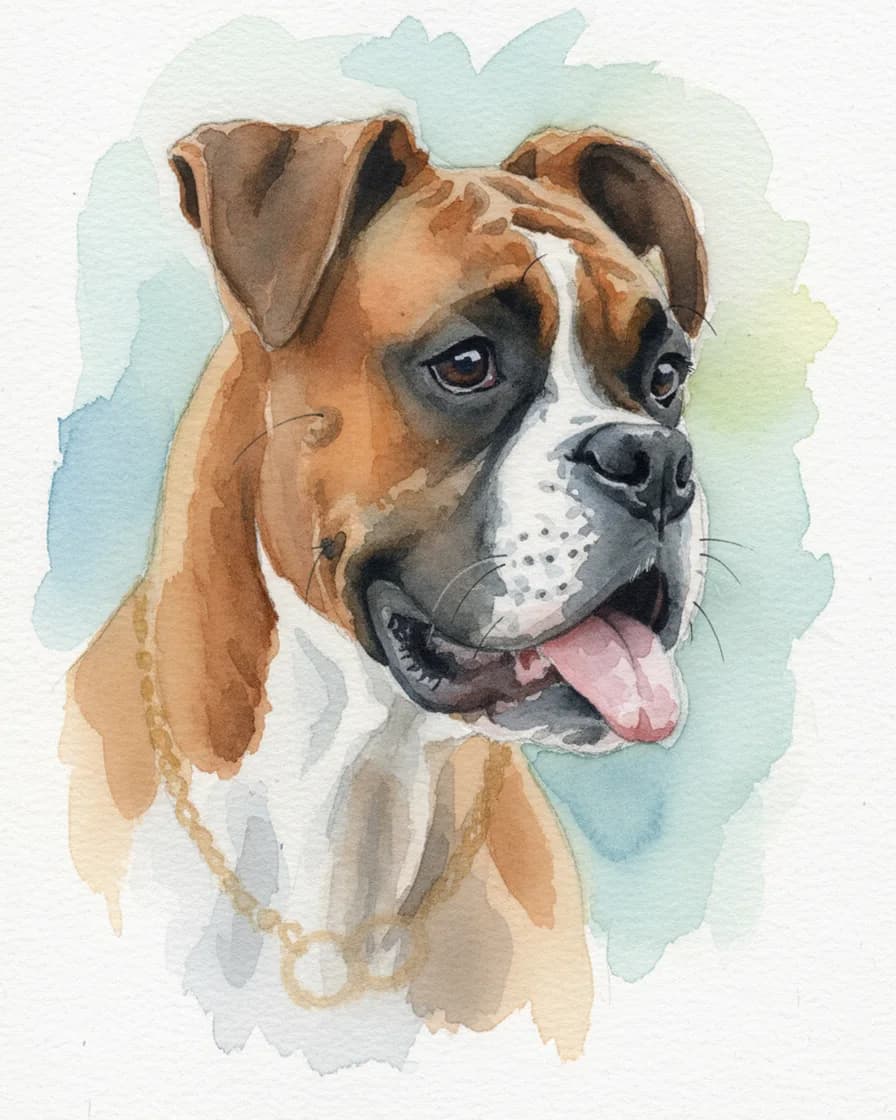
First, Firefly gives you control. Their pet page describes prompts, reference photos and style transfer from other images. Then you can set composition, effects, color, lighting and camera angle. As a result, you can place your pet in a fantasy world or a comic scene.
Firefly is also broad. Their page says it works with any animal, for example birds, rabbits or lizards, and it can put several pets in one frame. In addition, you can open the picture in Photoshop or Illustrator for detailed edits.
Finally, the free plan is real. Their page says you can use the generator for free with an Adobe account and free daily generations. It also says images from the Firefly model are designed to be commercially safe.
Why pick Easelpaw as an Adobe Firefly pet portrait alternative
Easelpaw is narrower on purpose. You upload one photo and pick one of ten styles, for example Royal, Watercolor or Pencil sketch. There is no prompt to write and no account to open for the free previews. So the first portrait takes one upload and one click.
Next, each style prompt carries the same rules. It tells the model to keep the breed, face shape, eye color, coat colors, markings and ear shape. Therefore, you check one thing on the free preview: does it still look like your pet?
The print size is also fixed and stated. A paid portrait is a 2048 x 2560 px JPG, so it prints at 8 x 10 inches at 256 dpi. In contrast, the Firefly pet page says high resolution without a pixel size.
Easelpaw also has a tab for a picture of you and your pet together. There, you upload two separate photos and pick one of twelve scenes. We did not test whether Firefly can do the same, so we make no claim about it.
When this Adobe Firefly pet portrait alternative is the wrong choice
Choose Firefly if you want to direct the picture. Easelpaw cannot change the outfit, the background or the pose on request, because it has no prompt box. Similarly, stay with Firefly for two pets in one frame, since our tool works best with one pet per photo.
Firefly is also the better pick for other animals. We tested Easelpaw on a dog and a cat only. In addition, pick Firefly if you already pay for Adobe apps or need its commercial use terms.
However, pick Easelpaw if a blank prompt box slows you down. Both tools have a free tier, so upload the same photo to each and compare the likeness before you pay.
Price and free limits side by side
We read the Adobe pages on October 10, 2026. Their pet page promises free daily generations, but it does not give a number. Similarly, their plans page lists four paid plans by name. However, the prices load with a script, so they did not appear in the text we read.
Easelpaw gives two free previews a day, each with a watermark. After that, a Portrait pack costs $9.99 once for 10 HD portraits, and those credits never expire. So a single gift portrait costs about a dollar. Prices change, so check both sites before you decide.
Adobe Firefly pet portrait alternative FAQ
Is the Adobe Firefly pet portrait generator free?
Yes, according to their page. You need a free Adobe account, and you get free daily generations. However, the page does not state how many, and a paid plan covers higher volume.
What is a good Adobe Firefly pet portrait alternative without prompts?
Easelpaw is one option. You upload one photo and pick one of ten fixed styles, so there is no prompt to write. In addition, the free previews need no account.
Is Firefly better than Easelpaw?
For control, yes. Firefly offers prompts, style options, several pets in one frame and Photoshop edits. Easelpaw is simpler instead, with ten styles and a stated print size.
Which model does each tool use?
Adobe names its own Firefly models and partner models such as Gemini 3.1. Easelpaw uses Google Gemini 2.5 Flash Image with a fixed prompt for each style.
Can I print a portrait from either tool?
Yes. Adobe says you can download high resolution images to print. Easelpaw returns a 2048 x 2560 px JPG, which prints at 8 x 10 inches. Neither tool ships a physical print.