About Easelpaw
Easelpaw is a small web tool for pet owners. Upload one photo of you and one of your pet, pick a scene, and get a picture of the two of you together. Or turn a pet photo into a painted portrait in ten styles. The preview is free. We keep it simple and honest about its limits.
By The Easelpaw team (Product and testing). Last updated .
Who we are
The Easelpaw team builds and runs this site. We are a small team, and we wrote every page here ourselves. We also tested each style ourselves before we described it. So when a page says a style keeps the coat pattern well, we saw that on our own test photos.
How the portraits are made
We do not paint by hand. Instead, an image model from Google, Gemini 2.5 Flash Image, makes every picture. For a picture of you and your pet together, our server sends two separate photos to the model: one of the person and one of the pet. A written prompt for the scene goes with them. That prompt tells the model to keep the face, age, hair, skin tone and build of the person, and to dress them to suit the scene.
In the Pet only tab, the server first crops your photo to a vertical 4:5 shape. Then it sends the photo to the model with a written prompt for the style you picked.
Each prompt ends with the same rules for the animal. For example, it tells the model to keep the same species, breed, eye color, coat colors and markings. As a result, the scene or the style changes, but the animal should stay the same.
How we test
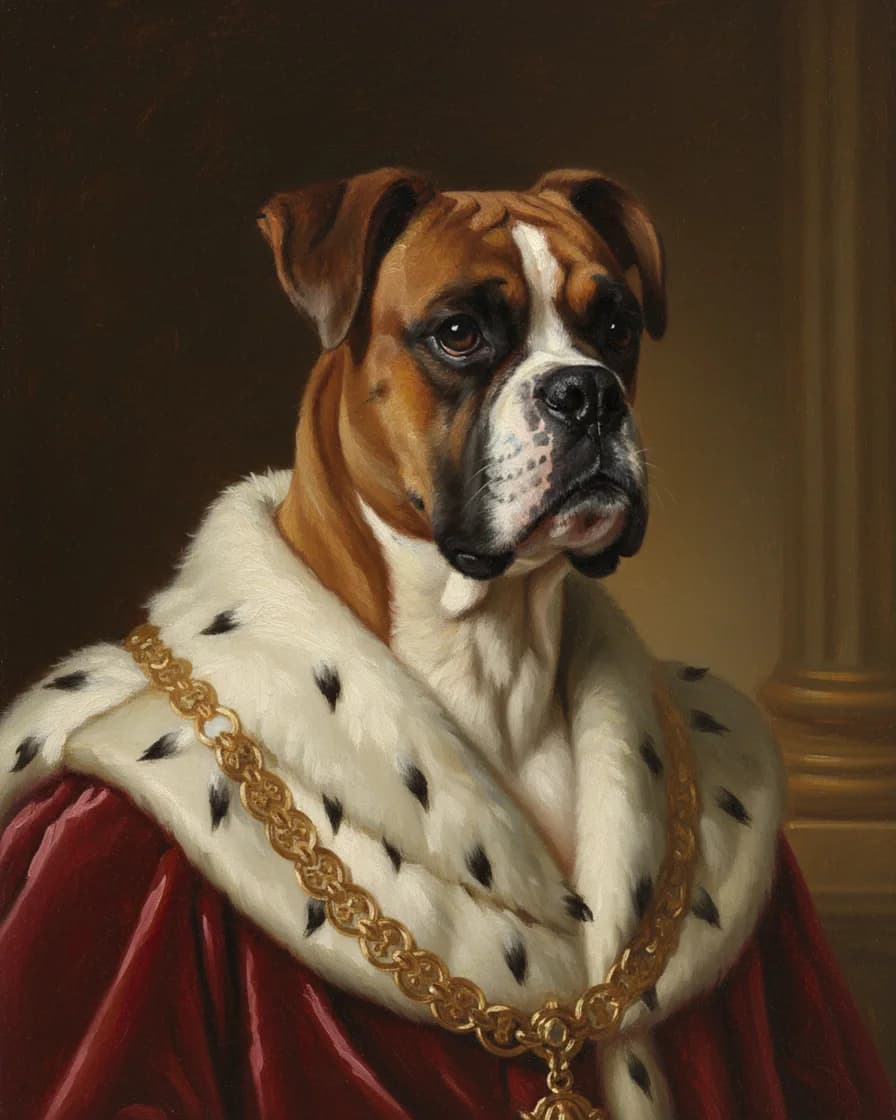
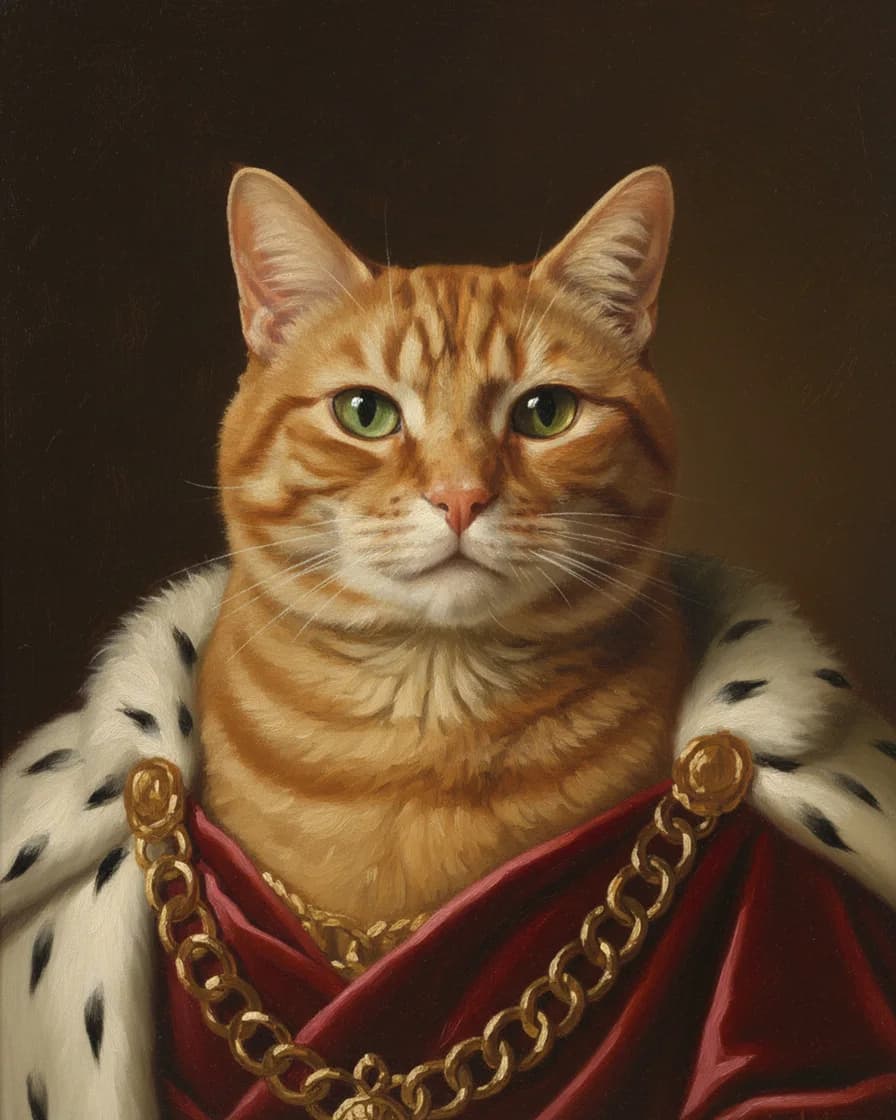
We test with two real pet photos. The first one shows a Boxer dog at 1920 x 2880 px. The second one shows a red tabby cat at 1920 x 2172 px. Both come from Wikimedia Commons under the CC0 license, so anyone can check our results against the same kind of picture.
First, we paint every style on both photos. Then we put each portrait next to its photo and compare the two by hand. We look at the eyes, the ears, the coat colors and the markings. After that, we write down what the style changed, because that belongs on the page too.
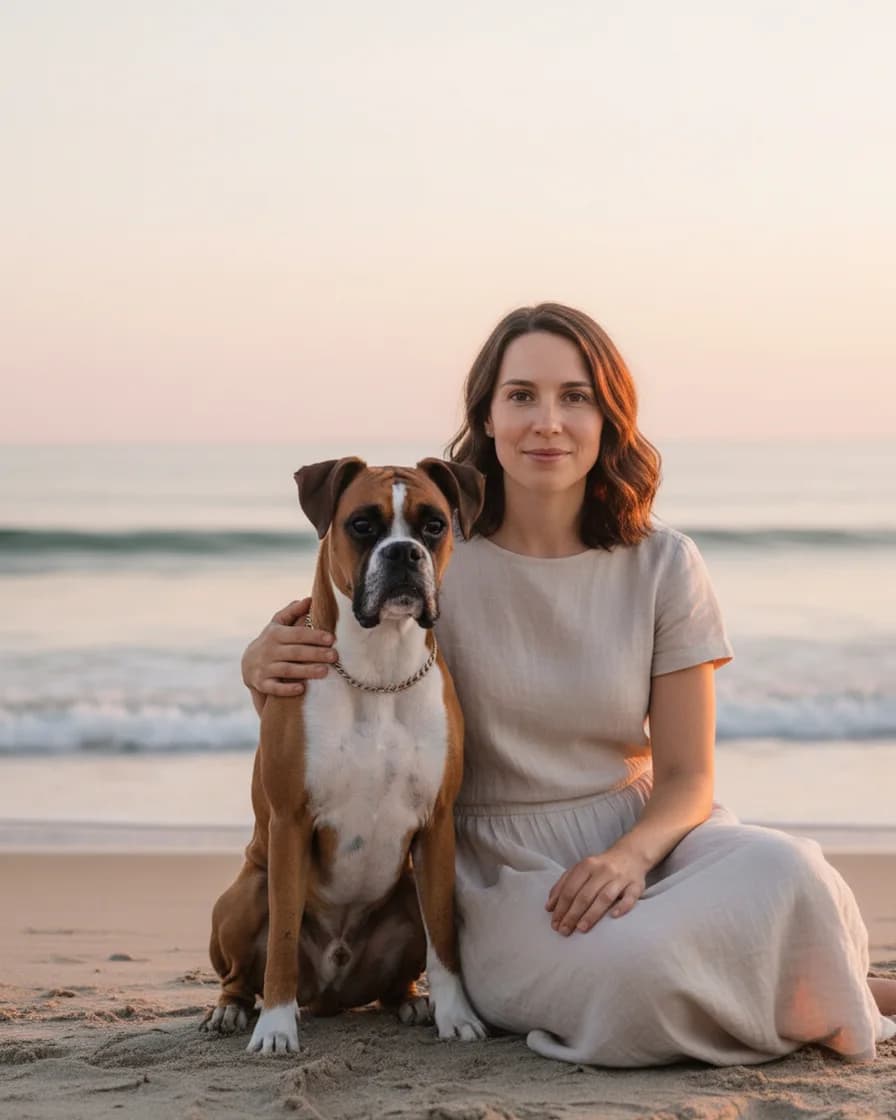
The scenes of an owner and a pet together also need a person. So we use two illustrative people, a woman and a man. An image model made both of those photos, and they are not real people. We made every scene from the woman and the Boxer, and two scenes from the man and the tabby as well. Then we compare both faces with the two photos by hand.
You can see those results on the portrait pages. Each page shows its test photos next to the picture that came back.
What the model gets wrong
A model is not a careful painter, and we will not pretend it is. It can change small details. For example, a collar may vanish, the number of whiskers may differ, and the exact pattern of spots can shift. A scene can also change a small detail of a face. In addition, two pets in one photo often blend together.
Therefore, the free daily previews exist for one reason: check the likeness before you spend a credit. If the face looks wrong, try a sharper photo or another style. However, if you need a true original on canvas, a human pet portrait artist is still the right choice.
We also do not publish a painting time yet, because we have not timed live portraits. The only fixed number is the limit: a model request stops after 90 seconds.
Your photos
Our server keeps your photos in memory for that one request. When the AI painter runs, they go to the model provider, Google, through the Gemini API. After that, we forget them. We do not store the photos or the picture, and we do not build a gallery from them.
The same rules cover a photo of a person. So upload only photos of yourself or of people who agreed to it. We also do not use photos to identify anyone. You can read the details in our privacy policy.
Get in touch
Do you have a question, a bug report or a partnership idea? Then write to us on the contact page, because we read every message.